
5.8 KiB
org.geneanet.customcamera
This cordova plugin is an alternative to the official cordova plugin (camera). It starts a custom camera: image overlay with an opacity slider, user-defined color of the buttons, activating/deactivating functions.
This plugin defines a global variable navigator.GeneanetCustomCamera.
Installation
cordova plugin add https://github.com/geneanet/customCamera.git
cordova build `platform`
Supported Platforms
- Android
Utilisation
Command
navigator.GeneanetCustomCamera.startCamera(options, onSuccess, onFail);
Parameters
{Object} options
An options object containing the parameters of the camera.
-
imgBackgroundBase64 : Overlay image. Should be in base64 format.
- Type :
string - Default :
null
- Type :
-
imgBackgroundBase64OtherOrientation : Alternate overlay image (if device's orientation has changed since app started). Should be in base64 format. If
null, useimgBackgroundBase64and resize image.- Type :
string - Default :
null
- Type :
-
miniature : Activate/deactivate the thumbnail option.
true: Activate option.false: Deactivate option.- Type :
boolean - Default :
true
- Type :
-
saveInGallery : Save picture to the camera gallery.
true: Activate option.false: Deactivate option.- Type :
boolean - Default :
false
- Type :
-
cameraBackgroundColor : Color of the camera button.
- Type :
string - Default :
"#e26760" - Notes :
- An incorrect value or a
nullvalue means a transparency effect. - See the
parseColor()method for the format of colors.
- An incorrect value or a
- Type :
-
cameraBackgroundColorPressed : Color of the camera button when it is pressed.
- Type :
string - Default :
"#dc453d" - Notes :
- An incorrect value or a
nullvalue means a transparency effect. - See the
parseColor()method for the format of colors.
- An incorrect value or a
- Type :
-
quality : Quality of the picture.
- Type :
integer - Default :
100 - Notes :
- A value between 0 and 100. An incorrect value means the default value.
- See the
compress()method for more informations.
- Type :
-
opacity : Activate/deactivate the opacity option for the overlay image.
true: Activate option.false: Deactivate option.- Type :
boolean - Default :
true
- Type :
-
defaultFlash : Default mode flash to use. See
CustomCamera.FlashModesfor corrects values.- Type :
integer - Default :
0
- Type :
-
switchFlash : Activate/deactivate the flash mode button.
true: Activate button.false: Deactivate button.- Type :
boolean - Default :
true
- Type :
-
defaultCamera : Default camera used. See
CustomCamera.CameraFacingsfor corrects values.- Type :
integer - Default :
0
- Type :
-
switchCamera : Activate/deactivate the button to switch camera.
true: Activate option.false: Deactivate option.- Type :
boolean - Default :
true
- Type :
{Function} onSuccess
onSuccess is called when the shooting has succeed.
- Parameters :
- result :
- Type :
string - Note : Contains the picture in base64 format.
- Type :
- result :
{Function} onFail
onFailis called when the shooting has failed.
- Parameters :
- code :
- Type :
integer - Note : Contains the error code.
- Code "2" : Error while taking a picture.
- Code "3" : Camera closed before takin a picture.
- Code "4" : Permissions denied.
- Type :
- message :
- Type :
string - Note : A error message.
- Type :
- code :
Constants
-
CustomCamera.FlashModes.DISABLE :
- Type :
integer - Value :
0
- Type :
-
CustomCamera.FlashModes.ACTIVE :
- Type :
integer - Value :
1
- Type :
-
CustomCamera.FlashModes.AUTO :
- Type :
integer - Value :
2
- Type :
-
CustomCamera.CameraFacings.BACK :
- Type :
integer - Value :
0
- Type :
-
CustomCamera.CameraFacings.FRONT :
- Type :
integer - Value :
1
- Type :
Implementation
Example
var base64 = "...";
navigator.GeneanetCustomCamera.startCamera(
    {
        imgBackgroundBase64: base64,
        saveInGallery: true,
        miniature: false,
        quality: 70,
        cameraBackgroundColor: "#ffffff",
        cameraBackgroundColorPressed: null
    },
    function(result) {
        window.console.log("success");
        $("#imgTaken").attr("src", "data:image/jpeg;base64,"+result);
    },
    function(code, message) {
        window.console.log("fail");
        window.console.log(code);
        window.console.log(message);
    }
);
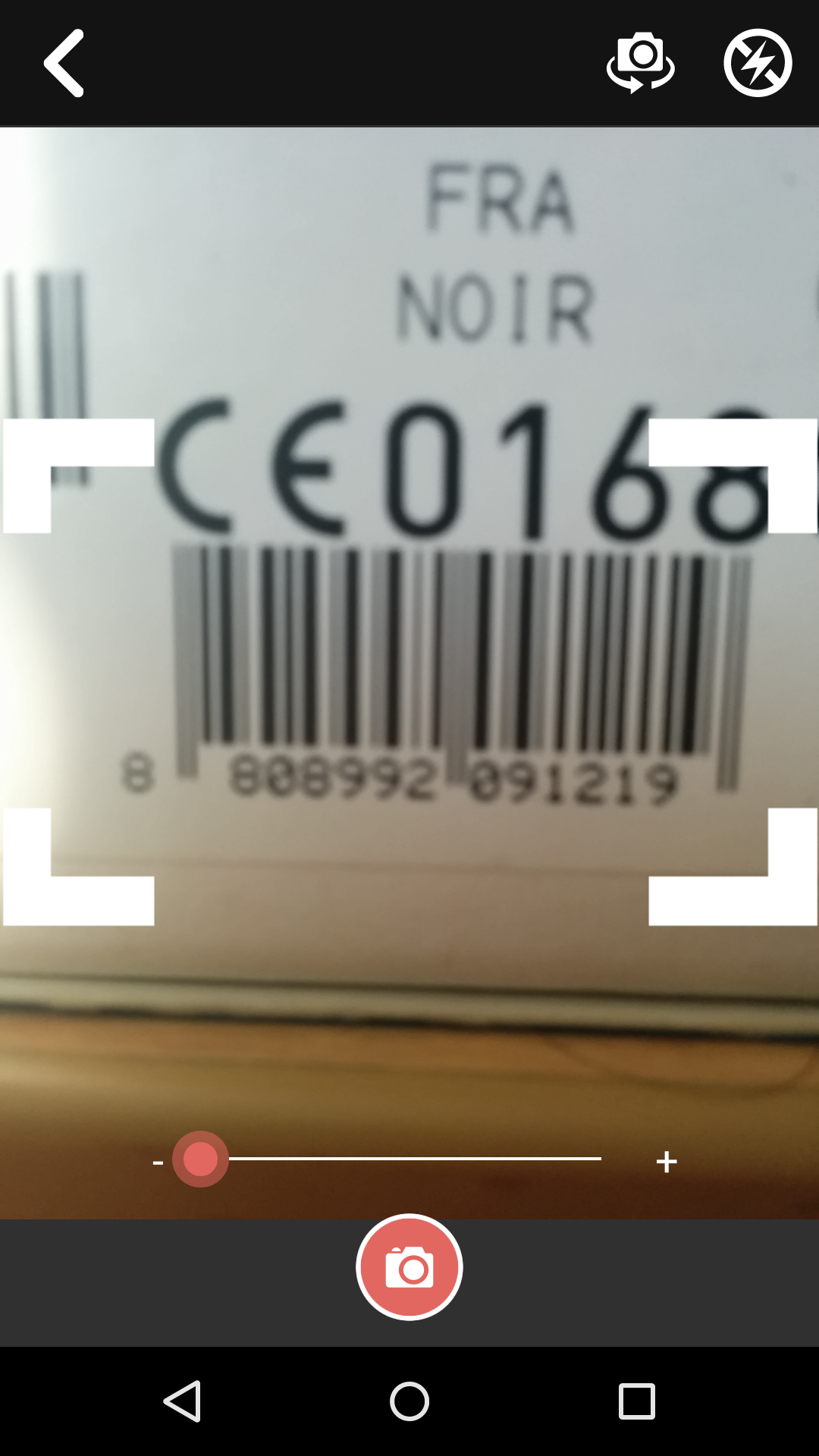
Barcode
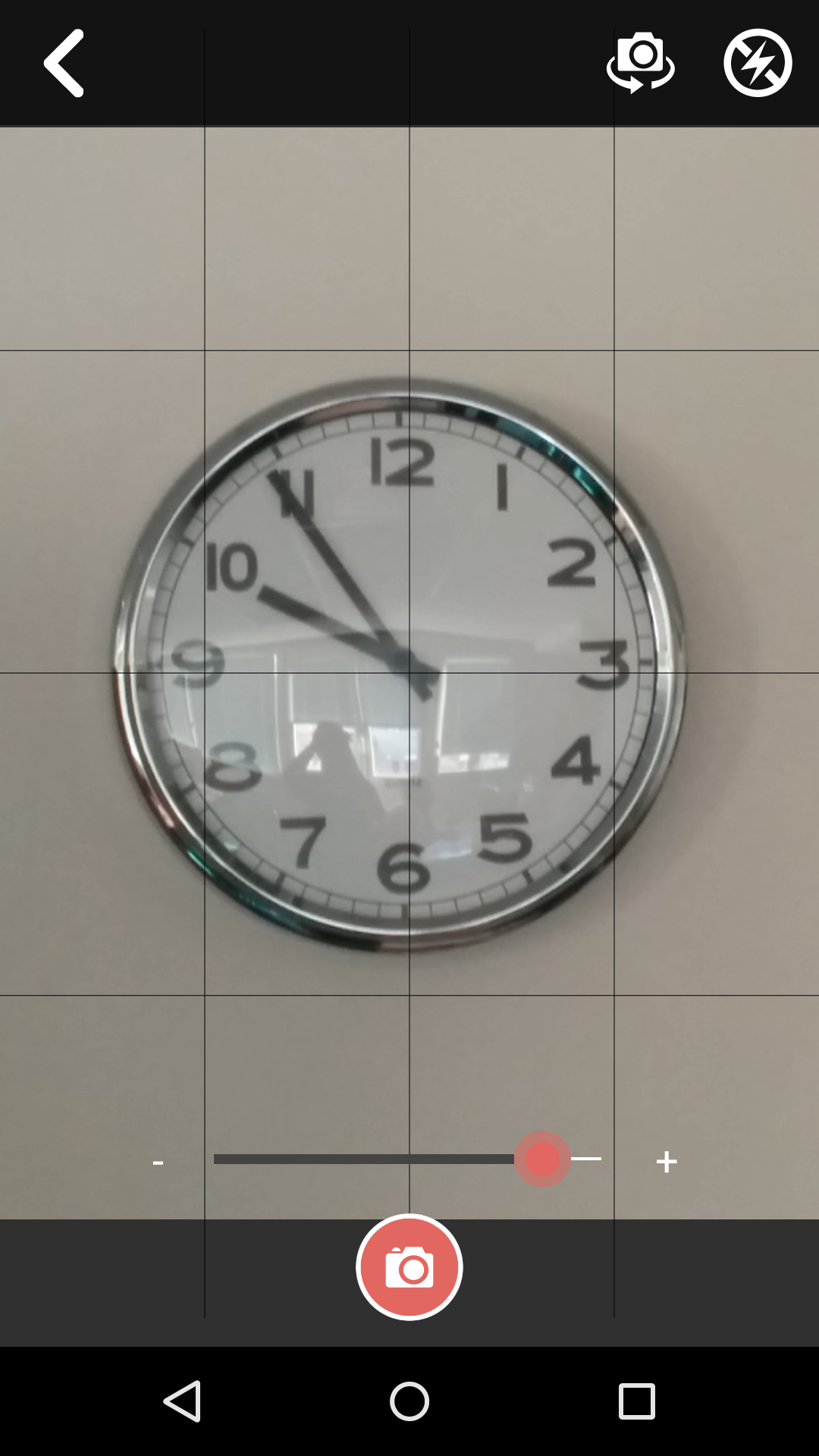
Grid
AngularJS
An implementation in AngularJS has been made for ease of use : $geneanetCustomCamera.
Contribute
To contribute to this project, please read the following :
- Bugs, suggestion, etc. : Must be declared in Github. Please search the threads before starting a new topic.
- Développement Javascript : Must compiles with JSHint coding rules.